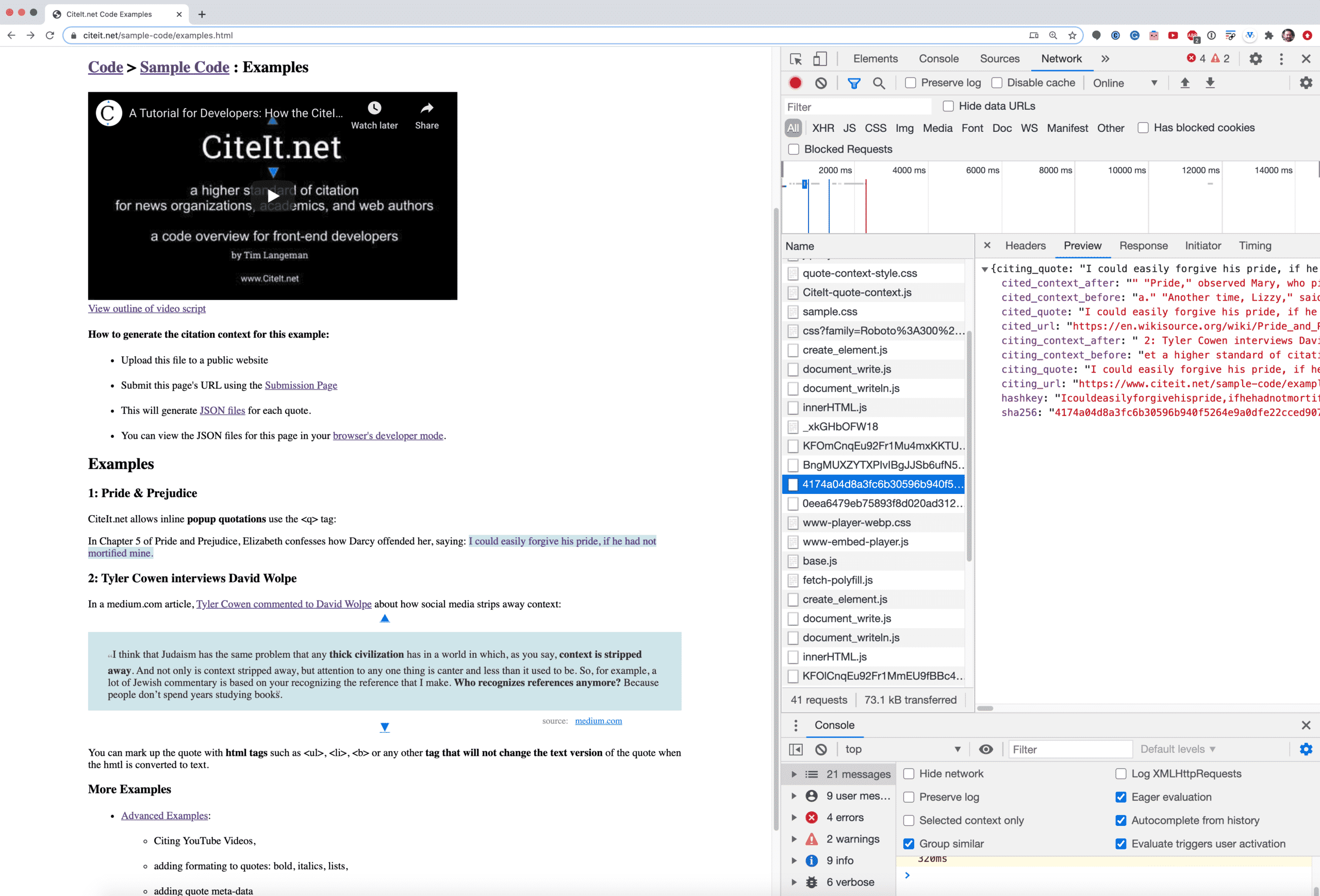
CiteIt is developing new digital tools that help combat misinformation and selective quotations.
These tools show the context surrounding the quoted media in order to build trust and understanding.
Use the following login credentials to access the Demo site:
username: public password: demo22
I) Video Transcript
Hello, this is Tim Langeman, creator of CiteIt.net.
PROBLEM
Today with accusations about Fake News circulating widely, many readers
suffer under a constant suspicion that any quotation they've read may have been taken out of context.
Other readers just want to know more about a quote's context to better understand its meaning.
SOLUTION:
I've created the CiteIt.net App to address both reader concerns by creating a tool to enable responsible authors to easily lookup and display the contexts of their quotes.
Here is an example of the first type of Contextual Citation: the expanding blockquote:
notice the context expands when the reader clicks on an up or down arrow
And here's the second type of contextual citation: the contextual popup which appears when the reader clicks on a quote.
BENEFITS
Authors who use the CiteIt.net App, give their readers more reason to trust them and distinguish themselves from media competitors.
DEMO
You can test-drive the CiteIt.net WordPress plugin by visiting demo.citeit.net
This will send you to the demo site's WordPress login page.
Log in with the default password and you will be taken to the WordPress dashboard.
To make a test post, click "New -> Post"
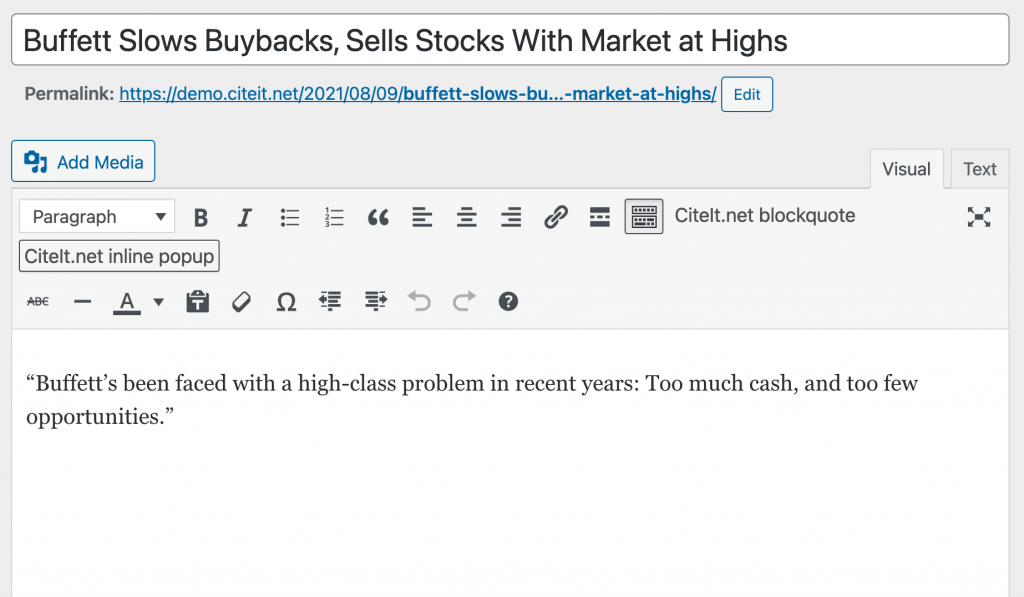
Now, let's create 2 new Contextual Citations from articles I found on Google News:
Because we clicked the "CiteIt blockquote" button, rather than the "CiteIt popup" button, our context displays by expanding the arrows above and below the quote.
I follow the very same process, copying the text and URL, but this time I select the "CiteIt popup button".
After I click publish, I don't see any arrows.
Instead, when I click on the text, I get the popup.
With CiteIt, It's about as easy to create Contextual Popups as to create links!
From this video, you can see how easy it is to create contextual popups using the Cite.net WordPress plugin.
This plugin is free and open source.
It currently requires the old TinyMCE WordPress editor.
Contact me if you are interested in helping add this functionality to the new Gutenberg editor.
The first step is to go to demo.citeit.net in your web browser.
Next, Login with the “public” user and the password found on the page.
The next step is to click “Posts” > Add New“
I’ll give the post a title and write my article, leaving room for the quote
( Time Elapses..)
Now I’ll locate my quote on the internet to find the full context. In this case, the transcript is found on medium.org.
I’ll copy the quote into my article
I’ll copy the source’s URL to my clipboard
In the editor, I highlight the quotation and
Click on the CiteIt.net blockquote button, which the CiteIt.net WordPress plugin adds to the WordPress Editor as a custom button.
Next, I Paste in my URL
And click “publish“
To view the published post, I click on the post’s URL or click “Preview”
I can now click on the blue arrows above or below the quote to see more context. (See Example)
Part 2: Popup Quotes
I can achieve the second variant of citation by performing the same steps, but selecting a different button — inline popup — to create a shorter inline quote.
I click “Add New”
I enter the quote title and post
I copy the quote into the article
I highlight the quotation
I click on the other button: Inline popup.
I paste in the source’s URL
I click publish.
I can now view the resulting post by clicking on the URL or clicking Preview.
If I click on the quote’s link, the CiteIt.net contextual popup appears.
CiteIt.net allows inline popup quotations use the <q> tag:
In Chapter 5 of Pride and Prejudice, Elizabeth confesses how Darcy offended her, saying:
I could easily forgive his pride, if he had not mortified mine.
I think that Judaism has the same problem that any thick civilization has in a world in which, as you say, context is stripped away. And not only is context stripped away, but attention to any one thing is canter and less than it used to be. So, for example, a lot of Jewish commentary is based on your recognizing the reference that I make. Who recognizes references anymore? Because people don’t spend years studying books.
You can mark up the quote with html tags such as <ul>, <li>, <b> or any other tag that will not change the text version of the quote when the hmtl is converted to text.
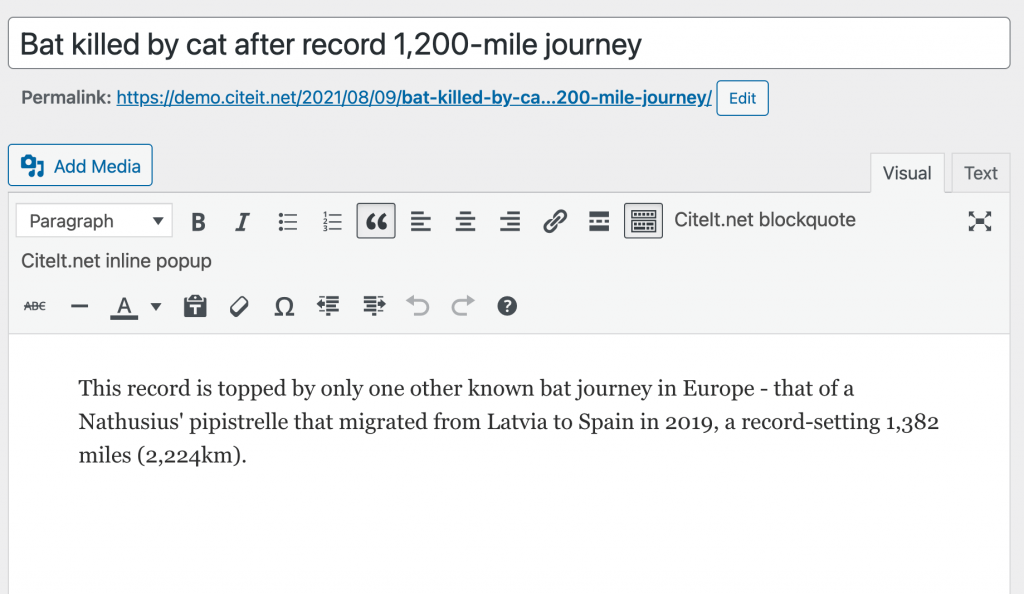 To create the citation: